Players
Import players from CSV or Excel
Upload a CSV or Excel workbook, map columns, review rows, and import approved players.
7 minUpdated 2026-08-12
Upload the file
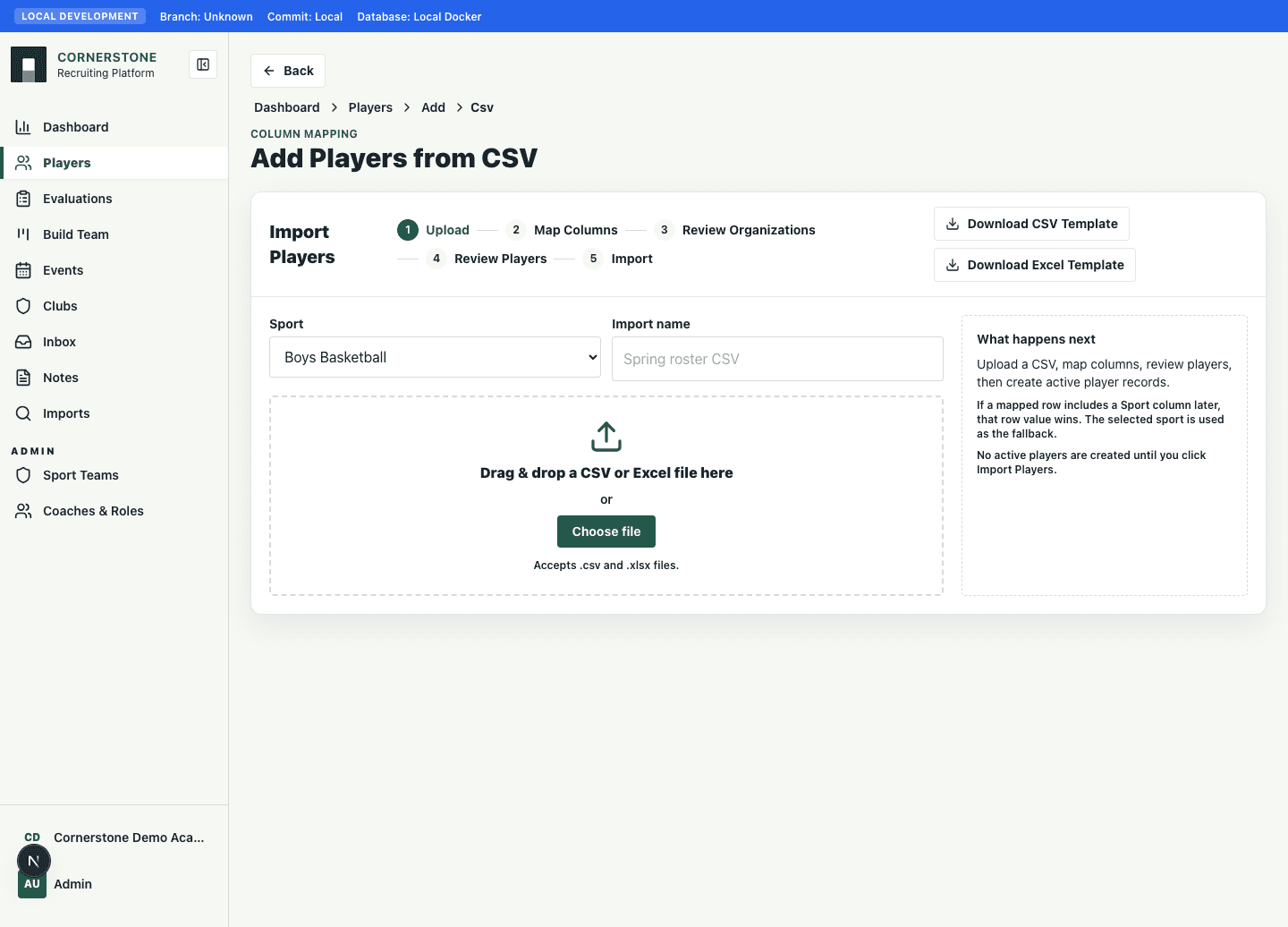
Use Import players for bulk athlete records. CSV files go straight to mapping. Excel workbooks add a sheet selection step first.
- 1Open Players.
- 2Select Import players.
- 3Choose a sport default.
- 4Drop or choose a `.csv` or `.xlsx` file.
- 5Continue to mapping.
Map columns
Map file columns to Cornerstone player fields. Required fields appear first. The preview shows the first rows using mapped labels.
Review and import
Review organization matches, duplicates, validation warnings, and edited rows. Final import creates active player records directly.