Getting started
Getting started with Cornerstone
Learn the fastest path from first sign-in to a useful recruiting workspace.
4 minUpdated 2026-08-12
Sign in and choose your organization
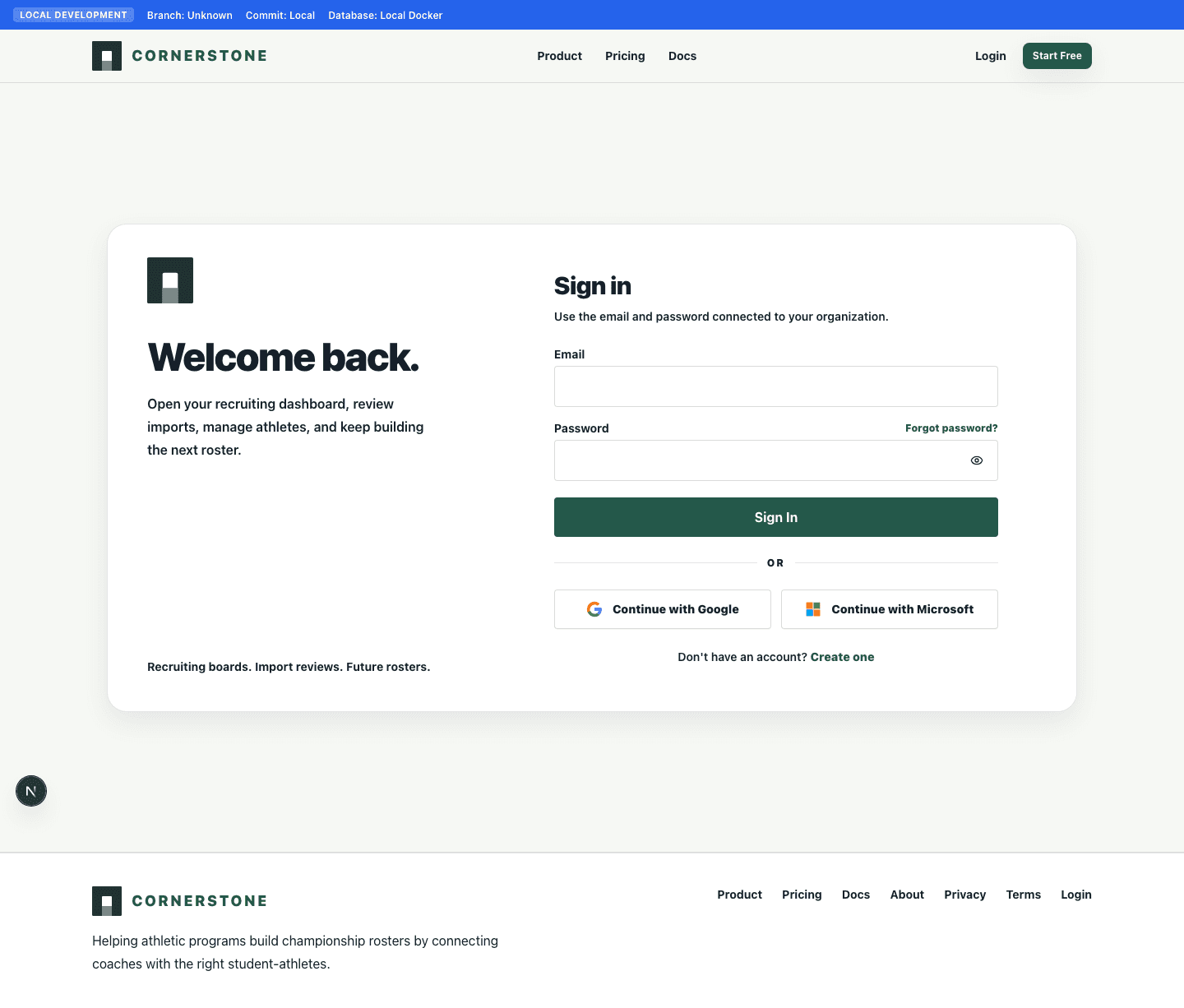
Use the sign-in page to open Cornerstone. If your account belongs to more than one organization, choose the organization you want to work in.
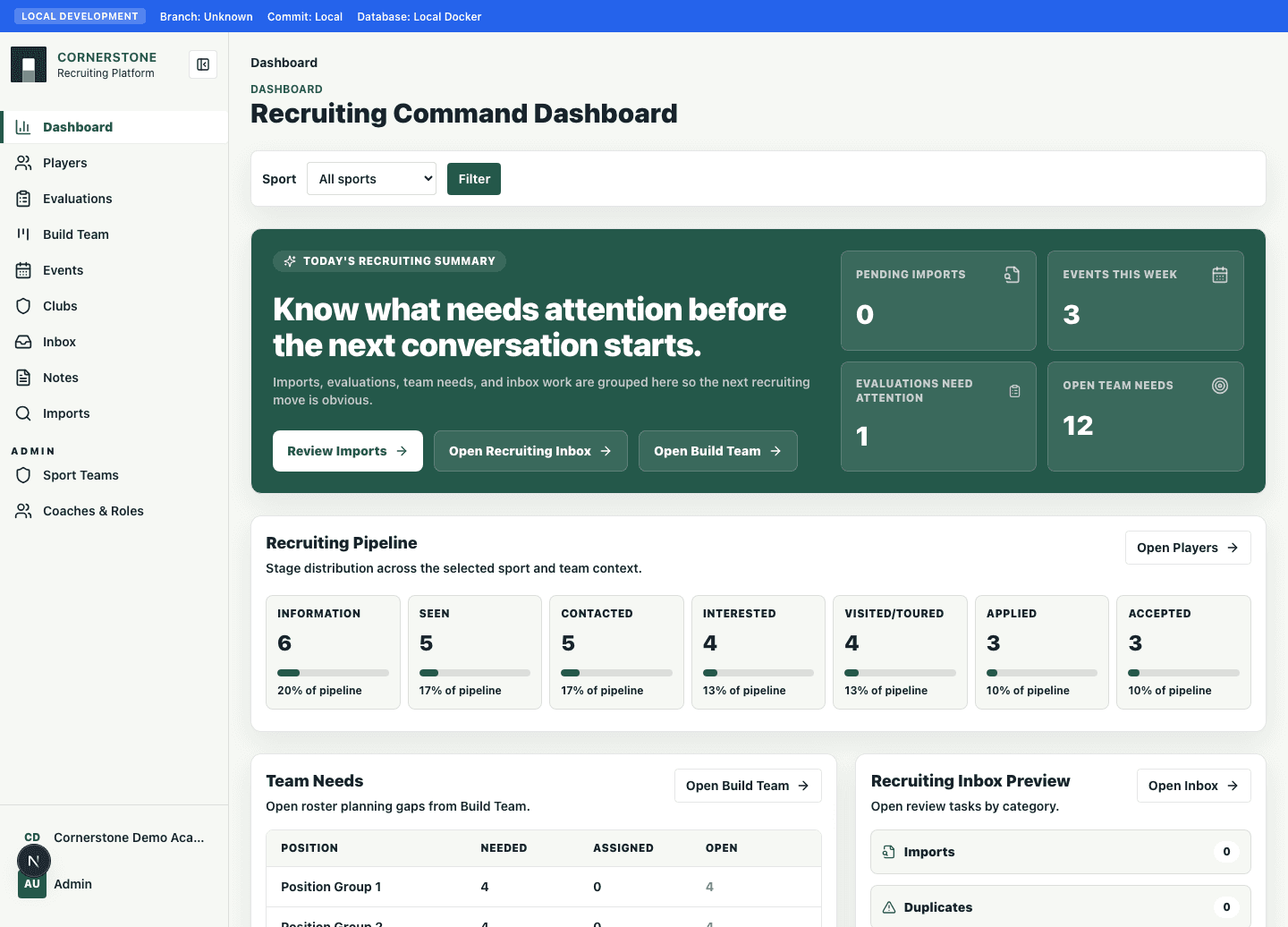
Your dashboard, players, notes, reports, and settings are scoped to the active organization.
- 1Open Login.
- 2Enter your email and password.
- 3Select your organization if prompted.
- 4Review the dashboard for imports, inbox tasks, and recent activity.
Start with the core workflow
Most teams begin with players, then add notes, scouting reports, events, and recruiting needs.