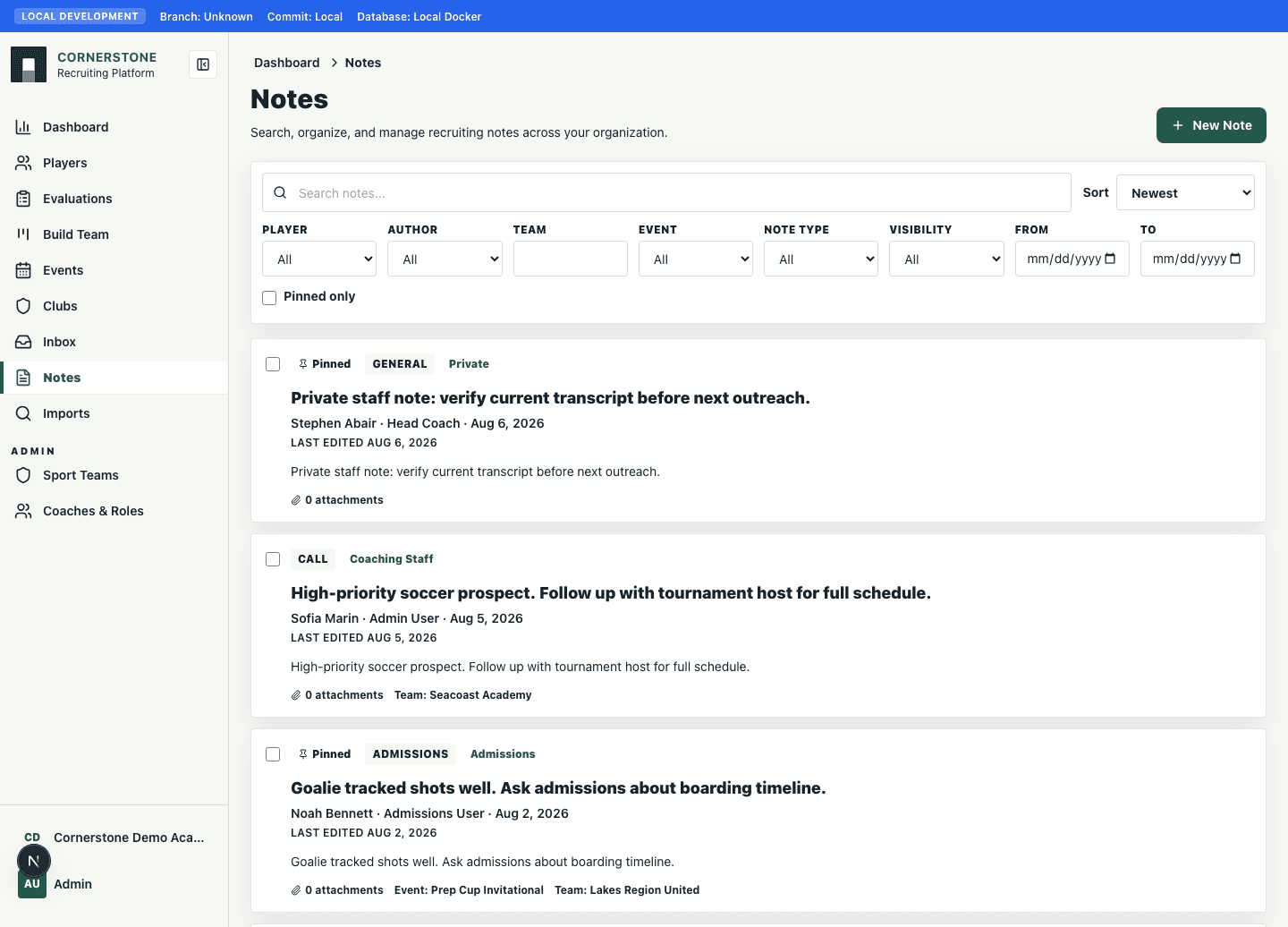
Notes
Create and manage notes
Capture typed notes, dictated notes, handwritten-note transcription, attachments, and pinned context.
6 minUpdated 2026-08-12
Open the note editor
Create notes from a player quick view, player profile, or the Notes hub. Notes can be typed, dictated, or generated from handwritten-note images.
Add handwritten notes
Drop images into the note editor or use camera capture on mobile. Cornerstone uploads the image, reads the handwriting, and inserts editable text into the note.
Pin important notes
Pinned notes appear in the player quick view so coaches can see the most important context first.